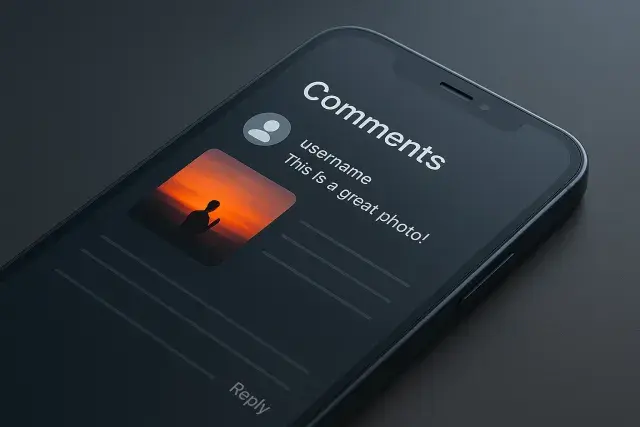
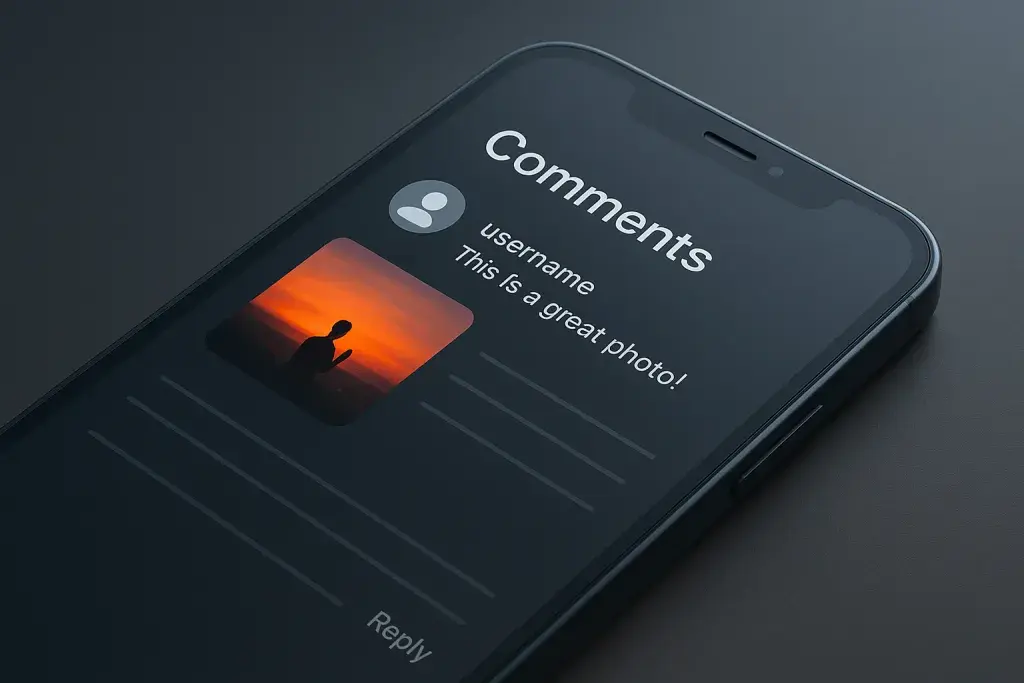
A single image tucked inside a reply thread can now say more than a paragraph of text ever could on Instagram. Scroll through any popular post and you'll spot it: a small photo attached to a comment, sitting quietly among the usual flood of emojis and one-line reactions. Most people scroll right past it, assuming it's just another visual gimmick. It isn't.
Instagram photos in comments mark a quiet but meaningful shift in how people communicate on the platform. Instead of typing out a description or hunting for the right emoji, users can now respond with an actual picture - a reaction shot, a screenshot, proof of purchase, or a piece of fan art. Creators and brand accounts have started using this in ways that go well beyond casual chatter, and as visual engagement becomes the currency of attention, some users are pairing this feature with tools like free instagram views boost to make sure their comment sections - and the images inside them - actually get seen by a wider audience.
What follows is a practical breakdown of what this feature actually is, how it functions behind the scenes, why Instagram built it, and what changes might be coming as the platform heads into 2026. If you've noticed photos appearing in comment threads and wondered what you were missing, this covers it.
What Are Instagram Photos in Comments?
Instagram photos in comments refer to a feature that lets users attach an image directly to a comment on a post, Reel, or reply thread, rather than being limited to plain text or emoji reactions. Instead of writing "this looks exactly like mine," a user can simply drop a photo showing exactly what they mean. The comment becomes a small visual statement rather than a string of words trying to describe something that's easier to show.
This is a departure from how Instagram comments have worked since the app launched. For over a decade, the comment section was purely textual - a space for opinions, tags, and reactions typed out character by character. Adding photo support changes the tone of that space entirely. A reply can now function almost like a mini-post nested inside another post's conversation.
- Photos appear as small, tappable thumbnails within the comment thread rather than full-size images.
- Tapping a thumbnail expands it to a larger view without leaving the comment section.
- The feature works across standard feed posts, Reels, and in some reply threads under Stories mentions.
- It sits alongside existing comment tools like emoji reactions and text replies, rather than replacing them.
For anyone asking what Instagram photos in comments actually are at a basic level, the simplest way to think about it is this: it's a visual reply option layered onto a system that used to be strictly written.
Instagram Photos in Comments Explained: How It Actually Works
Understanding the mechanics matters more than the definition, especially if you plan to use the feature regularly. Instagram photos in comments explained in practical terms comes down to a short interaction: tapping into a comment field reveals an image icon alongside the usual text input, and selecting it opens your camera roll or camera directly.
Step-by-Step: Posting a Photo in a Comment
- Open the post or Reel you want to comment on.
- Tap the comment field at the bottom of the screen.
- Select the image icon next to the text input.
- Choose an existing photo from your device or take a new one on the spot.
- Attach the image, add optional text if you like, and send the comment.
Who Can See and Interact With Comment Photos
Visibility follows the same logic as the rest of the account's privacy settings. If the account is public, anyone can see the photo attached to the comment, including people who don't follow the account. If the account is private, only approved followers can view the post and, by extension, any photos left in its comments. Accounts registered to younger users are subject to tighter default restrictions, which can limit who is able to send or view photo comments on their posts.
Technical Limitations and Requirements
Not every image behaves the same way once it's attached to a comment. Instagram applies its own compression and formatting rules, and there are practical limits worth knowing before relying on this feature for anything important.
| Feature | Limitation or Detail |
|---|---|
| Supported file types | Standard image formats such as JPEG and PNG |
| Video support | Photo comments focus on still images rather than video clips |
| Image quality | Images are compressed for faster loading in comment threads |
| Availability | Rolled out gradually, so not every account sees the feature at the same time |
Why Instagram Introduced Photo Comments
Instagram's comment sections have always been a secondary layer of engagement, sitting beneath the main event of the post itself. Adding photo support changes that balance. It gives comments their own visual weight, which encourages people to spend more time reading and reacting within a thread instead of just liking a post and moving on.
There's also a practical reason behind this. Text alone often fails to communicate certain kinds of feedback. A customer showing a damaged product, a fan recreating an outfit from a photo, or someone comparing two versions of the same item - all of these are far easier to express with an image than with a sentence. By allowing photos directly in comments, Instagram removes the extra step of opening a separate messaging app or posting a whole new update just to make a visual point.
Brand accounts have picked up on this quickly. A skincare company running a giveaway, for example, can ask followers to comment with a photo of themselves using the product, turning a single post into a stream of user-generated content without requiring a separate hashtag campaign. Instagram photos in comments give these interactions a home that didn't exist before.
What You Might Have Missed: Lesser-Known Features and Use Cases
Beyond the obvious "attach a photo, hit send" mechanic, there are details and use cases that don't get much attention but change how useful the feature actually is.
- Fan art and tribute replies, where followers respond to a creator's post with their own visual take rather than a written compliment.
- Before-and-after comparisons, commonly used in fitness, beauty, and home renovation content to show results directly in the reply thread.
- Proof-of-purchase or proof-of-delivery images, useful for customer service exchanges under brand posts.
- Visual reaction memes, where a photo replaces what used to be a sarcastic one-line comment.
- Crowd-sourced Q&A threads, where a creator asks a question and followers answer with relevant images instead of text.
These use cases only work well when the images are relevant and clear. Several common mistakes undercut the feature's usefulness rather than enhancing it.
- Posting unrelated or off-topic images just to grab attention in a busy comment section.
- Ignoring account privacy settings, which can accidentally expose a photo to a wider audience than intended.
- Flooding a thread with multiple photo comments in quick succession, which reads as spam rather than genuine engagement.
- Uploading low-resolution or poorly cropped images that lose clarity once compressed by the platform.
There's also a moderation angle worth taking seriously. Photos in comments are still subject to Instagram's community guidelines, and inappropriate or misleading images can result in the comment being removed or the account facing restrictions. Treating a comment photo with the same care as a full post is a reasonable rule of thumb.
Instagram Photos in Comments in 2026: What's Changing
As this feature matures, the conversation around it is shifting from "how does it work" to "where is it heading." Instagram photos in comments news over the past cycles has pointed toward a broader rollout, with the platform testing the feature across more account types and refining how images display within crowded threads.
Looking toward Instagram photos in comments 2026, a few directions seem likely based on how the platform has evolved similar features in the past. Wider availability across regions and account types is a natural next step, since most Instagram updates start with limited testing before reaching the full user base. There's also reasonable speculation that comment moderation tools will need to catch up, since visual content is harder to automatically screen than text, and platforms typically respond to that gap with improved detection systems over time.
Privacy controls are another area likely to see refinement. As more accounts adopt this feature, expect more granular settings that let users decide exactly who can attach photos to their comments, separate from the general privacy toggle that governs the rest of the account. None of this is confirmed as official policy, but it follows the pattern Instagram has used with past feature rollouts, where broader access is paired with tighter control options once real-world usage reveals the gaps.
Should You Use Photo Comments? A Practical Comparison
Whether this feature is worth using depends heavily on why you're on Instagram in the first place. A casual personal account has different needs than a business page trying to build community engagement.
- Pro: photo comments communicate visual information faster than text, especially for comparisons or reactions.
- Pro: they create richer, more memorable interactions under brand and creator posts.
- Con: they require more thought and effort than a quick text reply, which can slow down casual conversation.
- Con: overuse in a single thread can clutter the comment section and reduce readability.
| Use Case | Text Comments | Photo Comments | Best For |
|---|---|---|---|
| Personal, casual replies | Fast and low-effort | Slower, but more expressive | Text comments for quick exchanges |
| Brand engagement campaigns | Limited visual proof | Encourages user-generated content | Photo comments for campaigns |
| Customer support threads | Requires detailed description | Shows the issue directly | Photo comments for support |
| Community building | Standard interaction | Deeper, visual participation | Photo comments for communities |
For most brand accounts and creators, the case for adopting photo comments is fairly strong, particularly where visual proof or creativity adds value. For personal accounts primarily used for quick check-ins with friends, text still does the job more efficiently. The feature isn't meant to replace ordinary commenting; it's meant to fill the gap where a picture genuinely communicates something words can't.
Questions and Answers
Can I remove a photo someone else posted in the comments on my post?
Yes. As the post owner, you can delete any comment on your content, including ones with attached photos, using the same moderation controls you'd use to remove a text comment. This works whether the account is public or private.
Do photo comments count toward Instagram's engagement metrics the same way likes do?
Comments with photos are still counted as comments in the platform's engagement totals. They don't create a separate metric category, though the visual nature of the reply may encourage more interaction on the thread overall.
Can businesses require customers to use photo comments for promotions?
Yes, brands often ask followers to comment with a photo as part of a giveaway or campaign requirement. This is a common and effective way to generate visual, user-created content tied directly to a specific post.
Is there a way to prevent photo comments on my own posts entirely?
Instagram's comment settings allow account holders to restrict who can comment and, depending on current privacy controls, limit certain types of content within replies. Checking your account's comment and privacy settings regularly is the best way to stay in control as these options expand.
Will older posts support photo comments retroactively?
Generally, yes. Since the feature applies to the comment system itself rather than individual posts, older posts that are still open for commenting can typically receive photo comments once the feature is active on an account.