Ninety seconds. That's roughly how long it takes a mediocre Reel to lose a viewer's attention if the pacing feels off or the cuts look amateurish. Creators have known this for years, which is why editing has become as important as filming. Meta clearly understood this too, and that understanding is why the Instagram Edits app exists at all - a dedicated tool built specifically for people who make short-form video content and want more control than the standard camera roll offers.
The app arrived without much fanfare, but word spread quickly among creators tired of juggling multiple editing platforms just to publish a single Reel. Instead of exporting from one app, importing into another for captions, and then uploading to Instagram, the promise here is consolidation: one tool, start to finish. That efficiency matters more than it sounds. Editing time eats into content output, and content output is directly tied to how consistently a creator can show up in front of an audience. Consistency, in turn, connects to something many creators overlook - the underlying strategy of how to boost instagram page visibility, since even flawlessly edited videos need distribution and an engaged follower base to actually perform.
This piece walks through what the Instagram Edits app actually is, how it works in practice, how it stacks up against established competitors, and whether it earns a permanent spot on your home screen. We'll also look at where the tool is headed and what mistakes to avoid if you decide to use it.
Instagram Edits App: What Is It?
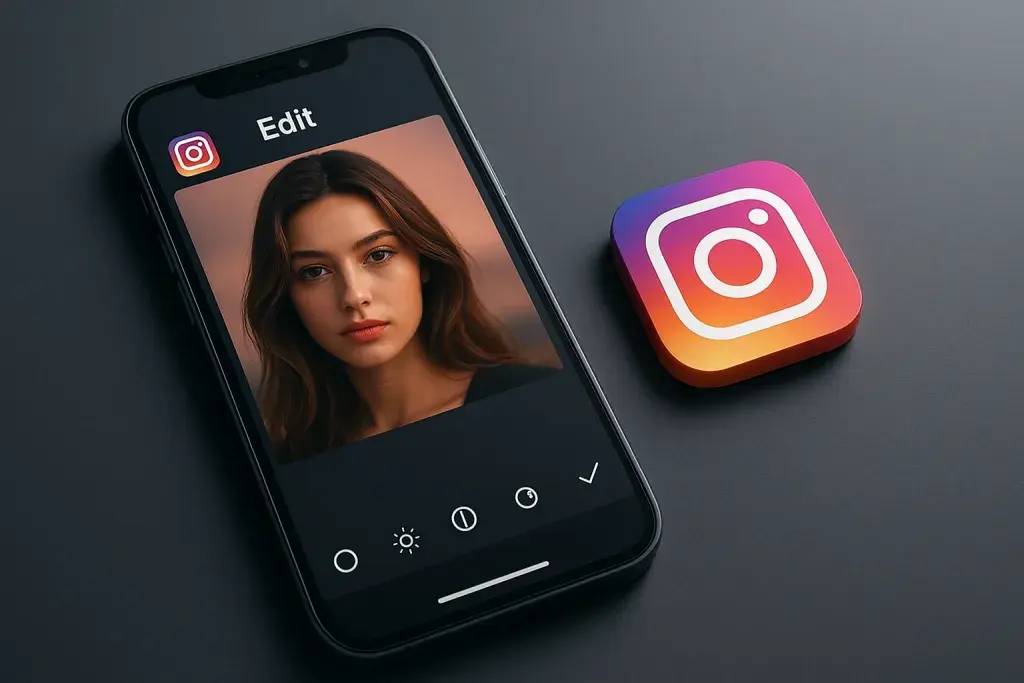
At its core, the Instagram Edits app is a standalone video editing application built by Meta specifically for Instagram creators. Unlike the basic editing tools embedded in the Instagram camera - trim, speed, simple filters - this app functions as a full editing suite, closer in spirit to what dedicated editing apps have offered for years, but designed to plug directly into the Instagram publishing pipeline.
The distinction matters. Instagram's native camera tools were always meant for quick, in-the-moment content. The Edits app targets a different user: someone planning a Reel in advance, shooting multiple clips, and wanting to assemble them with intention before publishing. It's less about spontaneity and more about craft.
- Developed and maintained by Meta, tied directly to the Instagram ecosystem.
- Released as a free, standalone download separate from the main Instagram app.
- Built primarily for creators producing Reels and other short-form vertical video.
- Positioned as a direct alternative to third-party editing apps rather than a minor feature update.
- Designed to support both casual creators and more serious content producers.
Whether you're a hobbyist posting weekly or someone managing a brand account daily, the app's existence signals that Meta wants editing to happen inside its own ecosystem rather than pushing creators toward outside tools.
Instagram Edits App Explained: How It Actually Works
Once installed, the app opens into a timeline-based editor that will feel familiar to anyone who has used mobile editing software before. Clips can be imported from the camera roll or recorded directly within the app, then arranged, trimmed, and layered on a multi-track timeline. This is where the Instagram Edits app explained in practical terms starts to make sense: it's not reinventing video editing, but it is packaging familiar tools into something built specifically for vertical, Instagram-native content.
Core Editing Features
- Multi-track timeline editing for arranging several clips and audio layers.
- Precision trimming tools that allow frame-level adjustments.
- Speed ramping and audio syncing for matching cuts to music beats.
- Built-in filters, text overlays, and transition effects.
- Draft saving, so projects can be paused and resumed later.
- Direct publishing to Reels without needing to export and re-upload.
That last point is arguably the most practical advantage. Removing the export-import cycle between editing and publishing cuts out friction that previously cost creators time and, occasionally, video quality due to repeated compression.
Step-by-Step: Creating Your First Edit
- Open the app and start a new project.
- Import clips from your camera roll or film directly within the app.
- Arrange clips on the timeline and trim them to the desired length.
- Add music, sound effects, text overlays, or transitions as needed.
- Preview the full edit to check pacing and audio sync.
- Export the file or publish it directly to Reels from within the app.
The workflow is short by design. Most of the complexity is front-loaded into the editing tools themselves rather than the process of getting a finished video published.
Instagram Edits App vs. Other Editing Tools
No editing app exists in a vacuum, and creators naturally compare new tools against what they already use. CapCut has been a dominant choice for years, offering deep effects libraries and cross-platform export. InShot remains popular for its simplicity. Then there's Instagram's own native camera editor, which most users already default to without thinking twice.
| Tool | Key Features | Direct Instagram Integration | Learning Curve |
|---|---|---|---|
| Instagram Edits App | Multi-track editing, speed control, audio sync, direct publishing | Full integration, built by Meta | Moderate |
| CapCut | Advanced effects, templates, cross-platform export | Requires manual export and upload | Moderate to high |
| InShot | Simple trimming, basic filters, quick exports | Requires manual export and upload | Low |
| Native Instagram Camera | Basic trim, filters, speed adjustment | Fully built-in | Low |
The tradeoff becomes clear from this comparison. Third-party apps like CapCut still offer more elaborate effects and templates, appealing to creators who want highly stylized content. The Instagram Edits app trades some of that creative depth for convenience - fewer steps between filming and publishing, with no watermarking or export quality loss. For creators prioritizing speed and native integration, that tradeoff often favors Meta's own tool.
Is the Instagram Edits App Worth It? Benefits and Drawbacks
The honest answer depends on what kind of creator you are, but there are clear patterns worth examining. For anyone posting Reels regularly, the time saved by skipping the export-and-upload cycle adds up over weeks and months. For someone who only posts occasionally, that convenience matters less, and the app's more limited effects library might feel restrictive compared to established competitors.
- Free to download and use, with no watermark on exported content.
- Direct publishing pipeline eliminates repeated file exports and re-uploads.
- Built specifically around Instagram's vertical video format, reducing formatting guesswork.
- Tighter integration with Instagram's existing creator tools and analytics.
- Fewer advanced effects and transitions compared to third-party competitors.
- New users accustomed to other editors face a short adjustment period.
- Occasional bugs and performance hiccups, typical of a newer application.
Consider a small business account posting three Reels a week to promote products. Cutting editing time by even a few minutes per video, multiplied across dozens of posts a month, translates into real hours saved. But editing quality alone doesn't guarantee those Reels reach new audiences. A well-cut video with no distribution strategy behind it still underperforms - which is exactly why editing tools and audience-growth tactics need to work together, not in isolation.
Instagram Edits App in 2026: What's Changing
Looking at the Instagram Edits app 2026 roadmap, Meta appears focused on deepening the tool's integration with Instagram's broader creator ecosystem rather than turning it into a completely different product. Recent Instagram Edits app news suggests continued refinement of existing features - smoother performance, expanded template options, and closer alignment with Instagram's analytics dashboard so creators can track how edited content performs without switching apps.
- Expanded template libraries aimed at reducing editing time further.
- Deeper analytics integration, allowing creators to see performance data without leaving the app.
- Continued refinement of speed, stability, and export quality based on user feedback.
- Potential expansion of collaborative editing features for teams managing shared accounts.
It's worth separating confirmed direction from speculation. Meta has been consistent about investing in tools that keep creators inside the Instagram ecosystem, so continued development of the Edits app fits that broader pattern rather than being an isolated bet.
Common Mistakes to Avoid When Using the Instagram Edits App
New users tend to make predictable mistakes, most of which are easy to avoid once you know what to look for.
- Not saving drafts regularly, which risks losing progress on longer edits.
- Ignoring aspect ratio settings, resulting in awkward cropping once published to Reels.
- Overusing filters and transitions, which can make content feel cluttered rather than polished.
- Skipping the audio sync check before publishing, leading to mismatched sound and visuals.
- Publishing directly without previewing the full edit on a different device or screen size.
Each of these mistakes is minor individually, but they compound. A creator who rushes through drafts, ignores cropping, and skips previews ends up publishing content that looks noticeably less polished than the effort put into filming deserved.
Final Verdict: Should You Use the Instagram Edits App?
For creators who post Reels frequently and want to reduce friction between filming and publishing, the app earns its place. It won't replace every third-party editor for people chasing highly stylized effects, but for straightforward, efficient editing tied directly to Instagram's publishing system, it delivers exactly what it promises.
- Best suited for creators publishing Reels multiple times per week.
- A strong fit for small businesses managing content in-house without a dedicated editor.
- Less essential for occasional posters who don't need a dedicated editing workflow.
The app isn't trying to be everything to everyone. It's trying to be fast, native, and reliable - and on those three points, it largely succeeds.
Questions and Answers
Is the Instagram Edits app free to use?
Yes, the app is free to download and use, with no watermark added to exported videos. There are no hidden subscription requirements to access its core editing features.
Do I need an Instagram account to use the Edits app?
You'll need an Instagram account to publish content directly from the app, since it connects to your existing profile for seamless posting. The editing functions themselves can technically be used without immediate publishing, but the app's design assumes an active Instagram account.
Can I export videos without posting them to Instagram?
Yes, finished projects can be exported to your device's camera roll instead of publishing directly, allowing use on other platforms if needed.
Does the Instagram Edits app work on both iOS and Android?
The app is available on both major mobile platforms, though feature rollout and update timing can vary slightly between operating systems.
Will the Instagram Edits app replace CapCut or other editors?
Not entirely. Creators who rely on advanced effects and extensive template libraries will likely keep using CapCut alongside or instead of the Edits app. For those prioritizing speed and native publishing, however, it can realistically replace third-party tools for daily editing needs.
What's new in the Instagram Edits app for 2026?
Expect expanded templates, tighter analytics integration, and ongoing performance improvements based on user feedback, with Meta continuing to prioritize keeping the editing process inside the Instagram ecosystem.